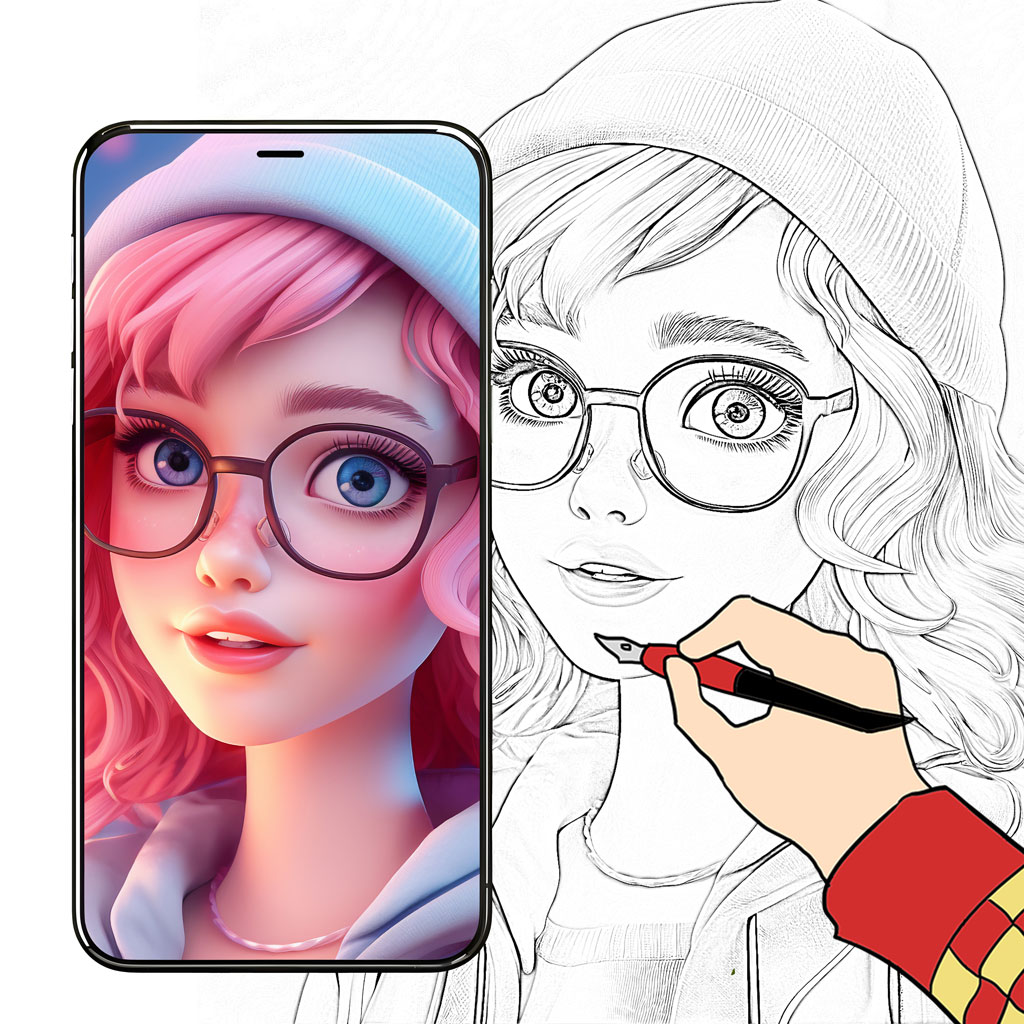
Learn drawing fast with
sketch & trace guides.
Practice drawing with AR-style tracing guides. Choose a template, follow steps, improve your line art, and export in HD. Perfect for beginners, anime sketching, portraits and cartoons.

Key Features
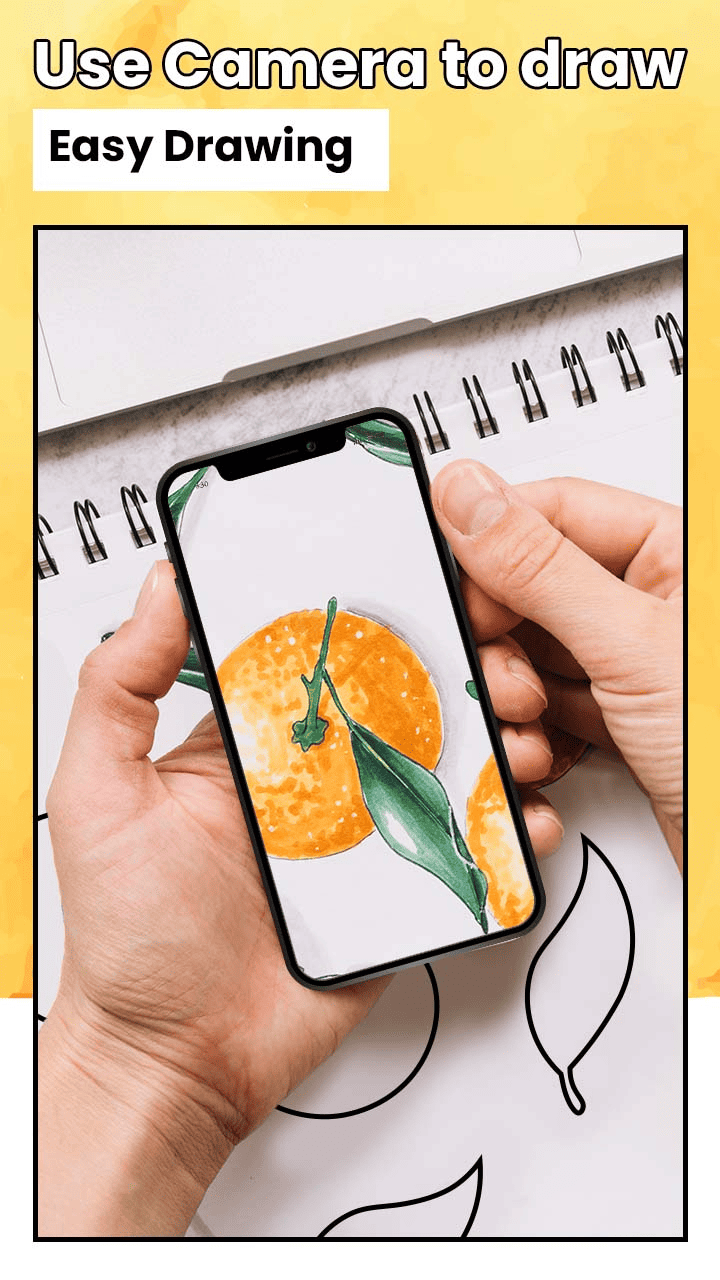
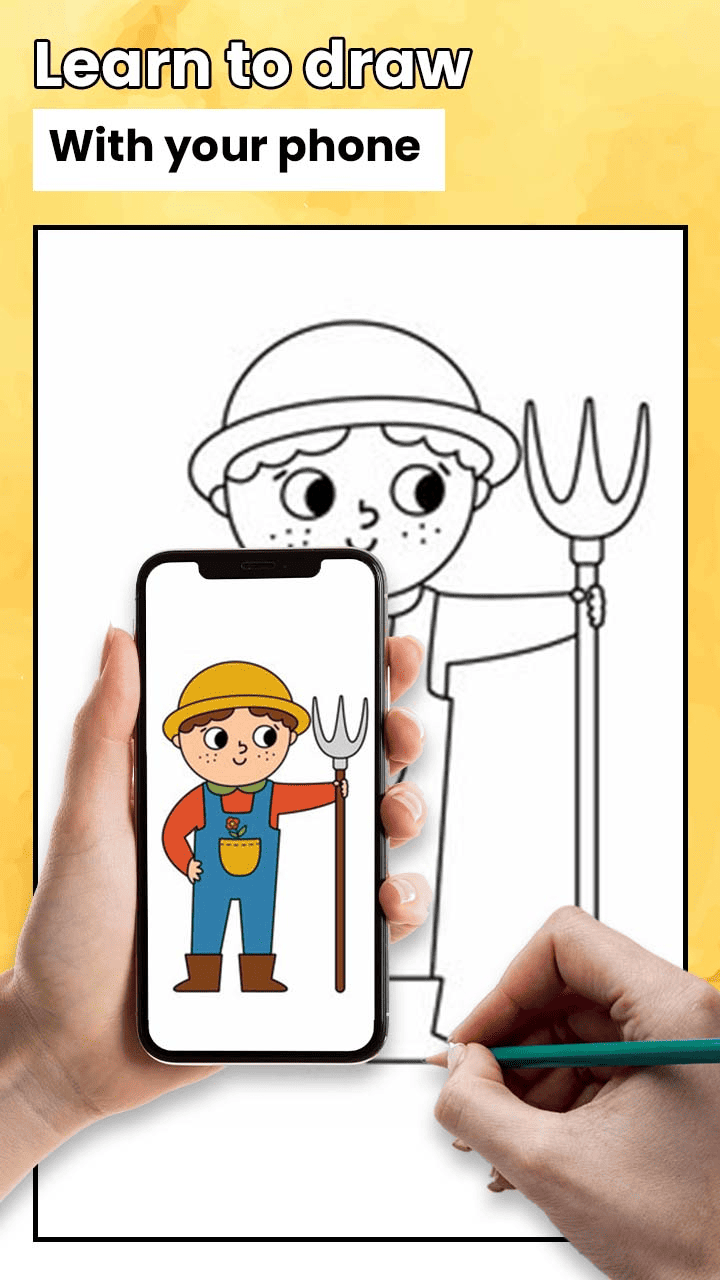
Trace on paper using on-screen guides to improve accuracy.
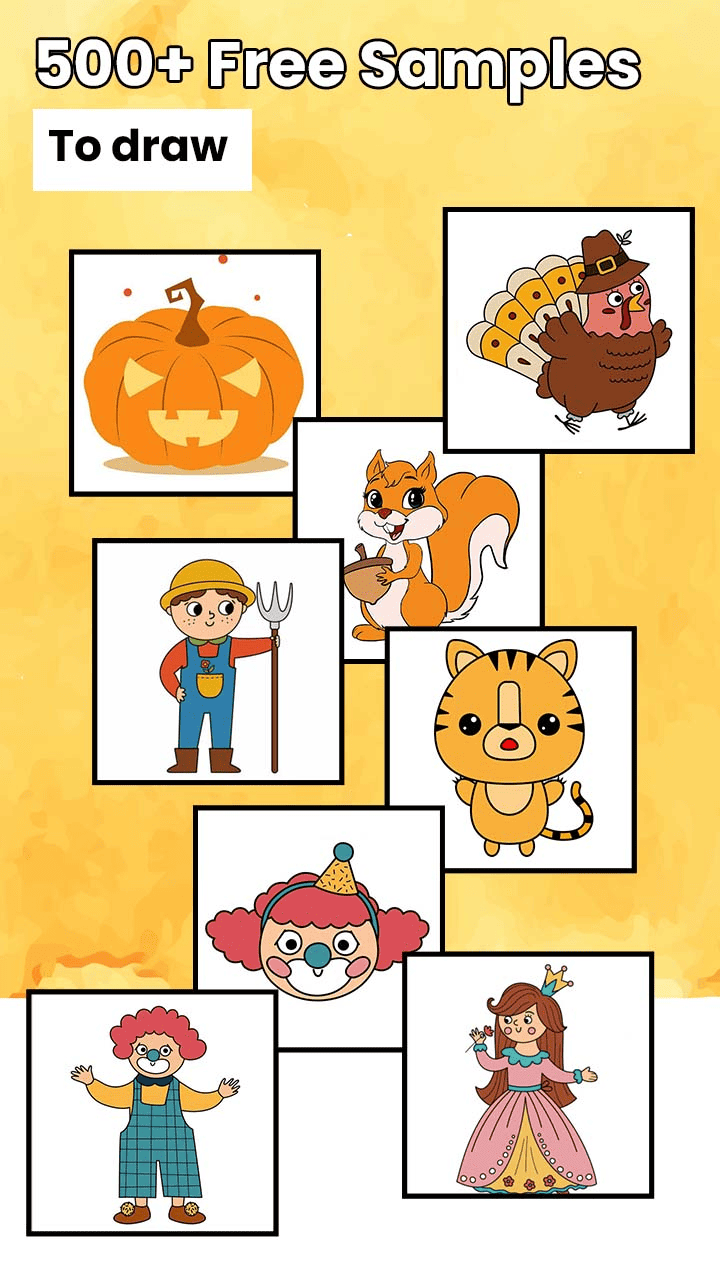
Anime, portraits, cartoons, animals and more ready-to-use sketches.
Follow simple steps to learn sketching from beginner to advanced.
Convert images into outlines for easy tracing practice.
Practice shading, coloring and painting styles after tracing.
Save and share your sketches in high quality.
Control guide opacity for comfortable tracing.
Smooth performance with simple one-tap workflow.
Build consistency with quick practice sessions and templates.
How to Draw with AR Drawing
AR Drawing makes it easy to learn sketching. Pick a template, place your phone so the guide is visible, and trace step-by-step on paper. Add details, refine lines, then export in HD.
Step-by-step
- Open the app and choose a sketch/template.
- Enable the tracing guide and adjust opacity.
- Trace the outline on paper following the steps.
- Add shading/color to complete your art.
- Export in HD and share with friends.
Pro tips
- Use thicker pencil first, then refine with darker strokes.
- Keep phone stable for clean tracing.
- Start with simple templates to build confidence.
- Practice daily for faster improvement.
Best Use Cases
Use AR Drawing for quick learning, daily practice and creative projects:
For beginners
- Learn drawing step-by-step
- Improve outline & line control
- Practice shading and proportions
- Trace easy sketches on paper
For creators
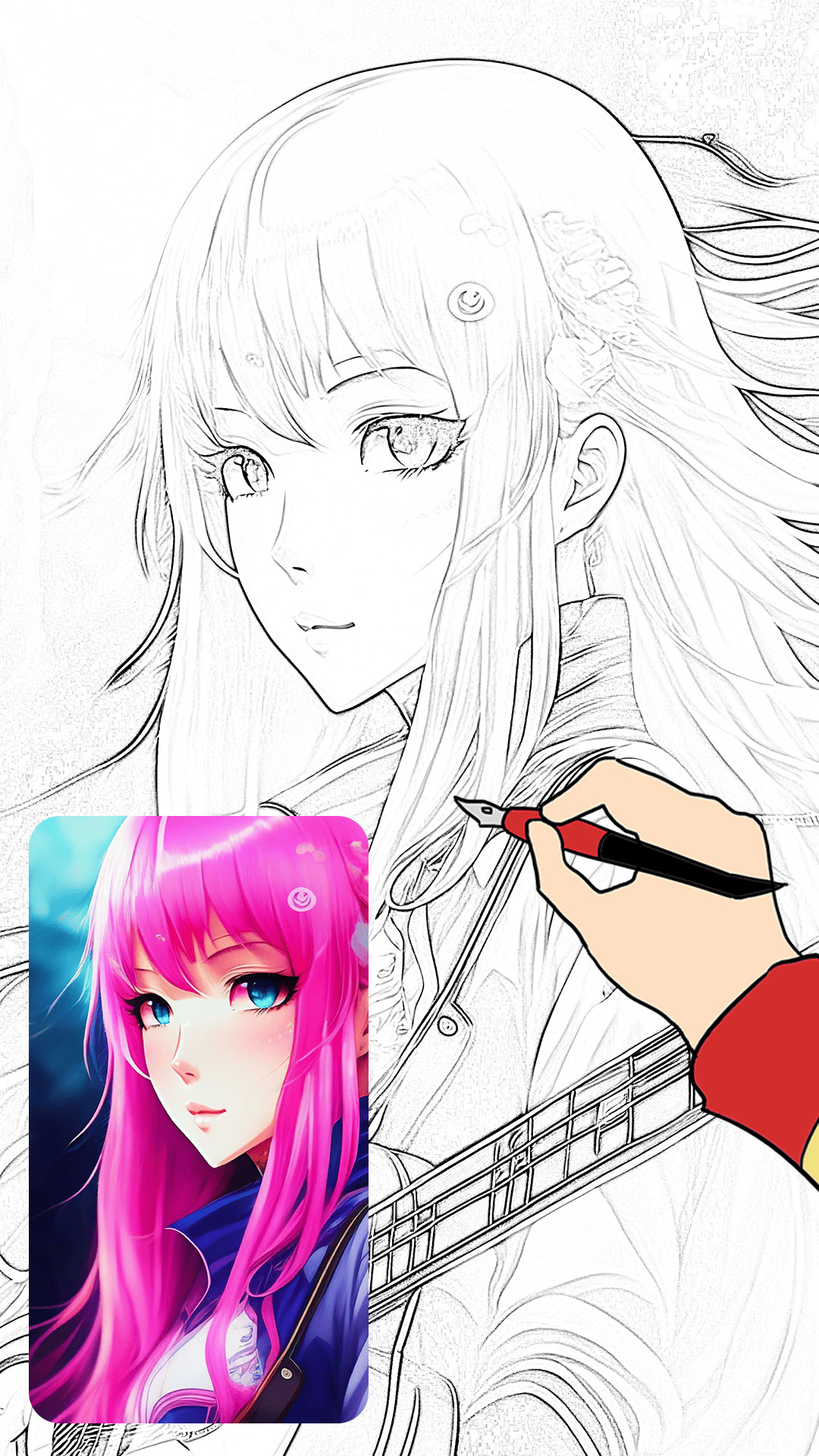
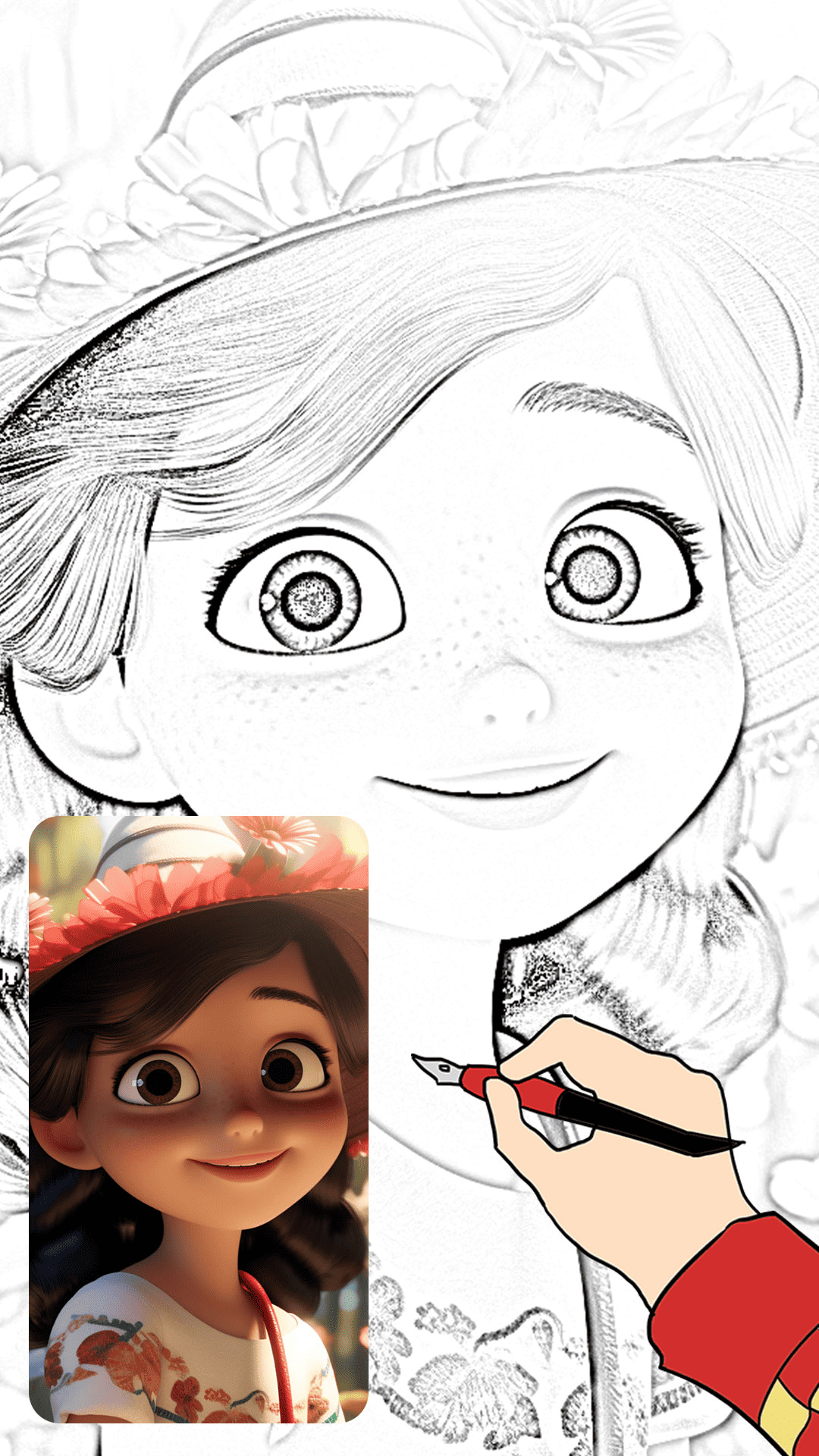
- Anime and cartoon sketches
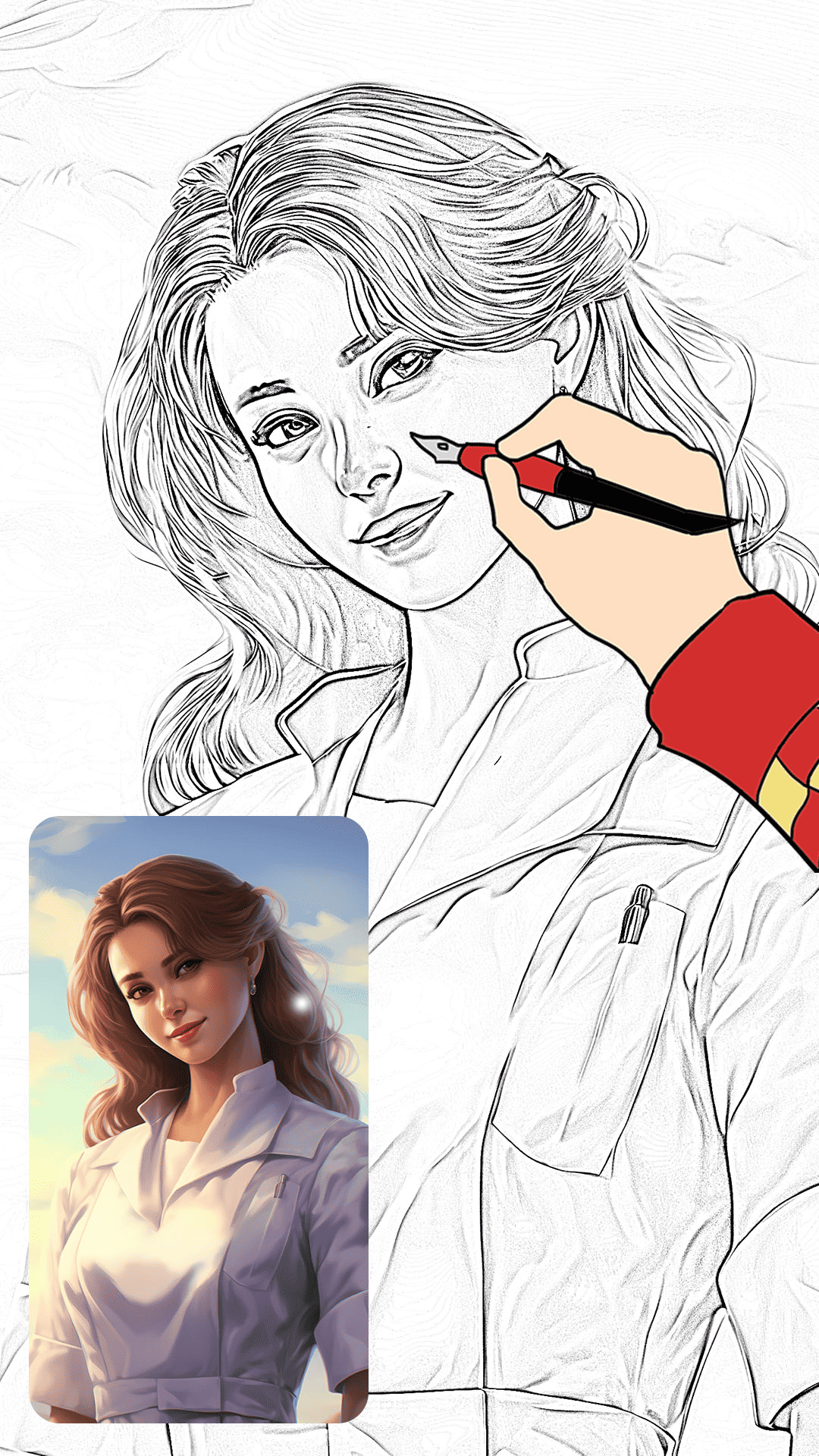
- Portrait tracing practice
- Line art templates
- HD export for sharing
App Screenshots
Click any screenshot to preview in full size.
FAQ — AR Drawing
Is AR Drawing free to use?
Yes, you can start learning and practicing drawing. Install from Google Play to begin.
Can I learn anime drawing with this app?
Yes. Use anime templates and step-by-step guides to practice clean line art and proportions.
Does it work for beginners?
Absolutely. The tracing guides and templates are designed to help beginners improve quickly.
Can I export my drawings in HD?
Yes, you can save and share your drawings in high quality.
More Apps by PixelX Technologies
Explore more creative apps on our website. Internal linking helps Google understand your site structure and supports SEO.