
Pencilora
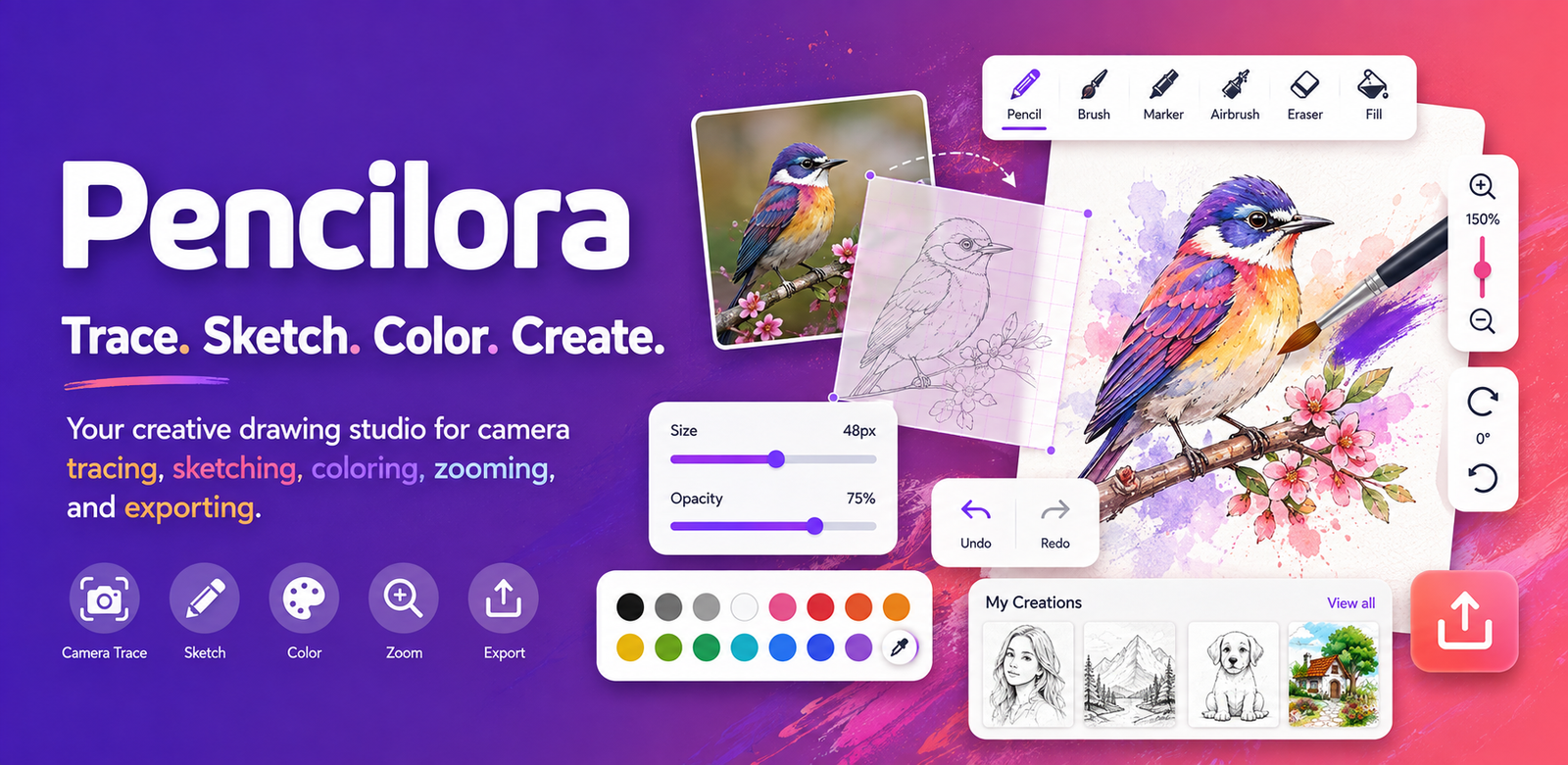
Pencilora is a drawing, tracing, sketching, and coloring app that helps you transfer ideas from your screen onto real paper. Use your phone camera as a drawing guide, choose a reference, or import your own picture and start creating at your own pace. Learn how to draw, practice line art, make pencil sketches, explore coloring, or prepare detailed outlines with simple creative tools.
CAMERA TRACE AND AR DRAWING GUIDE
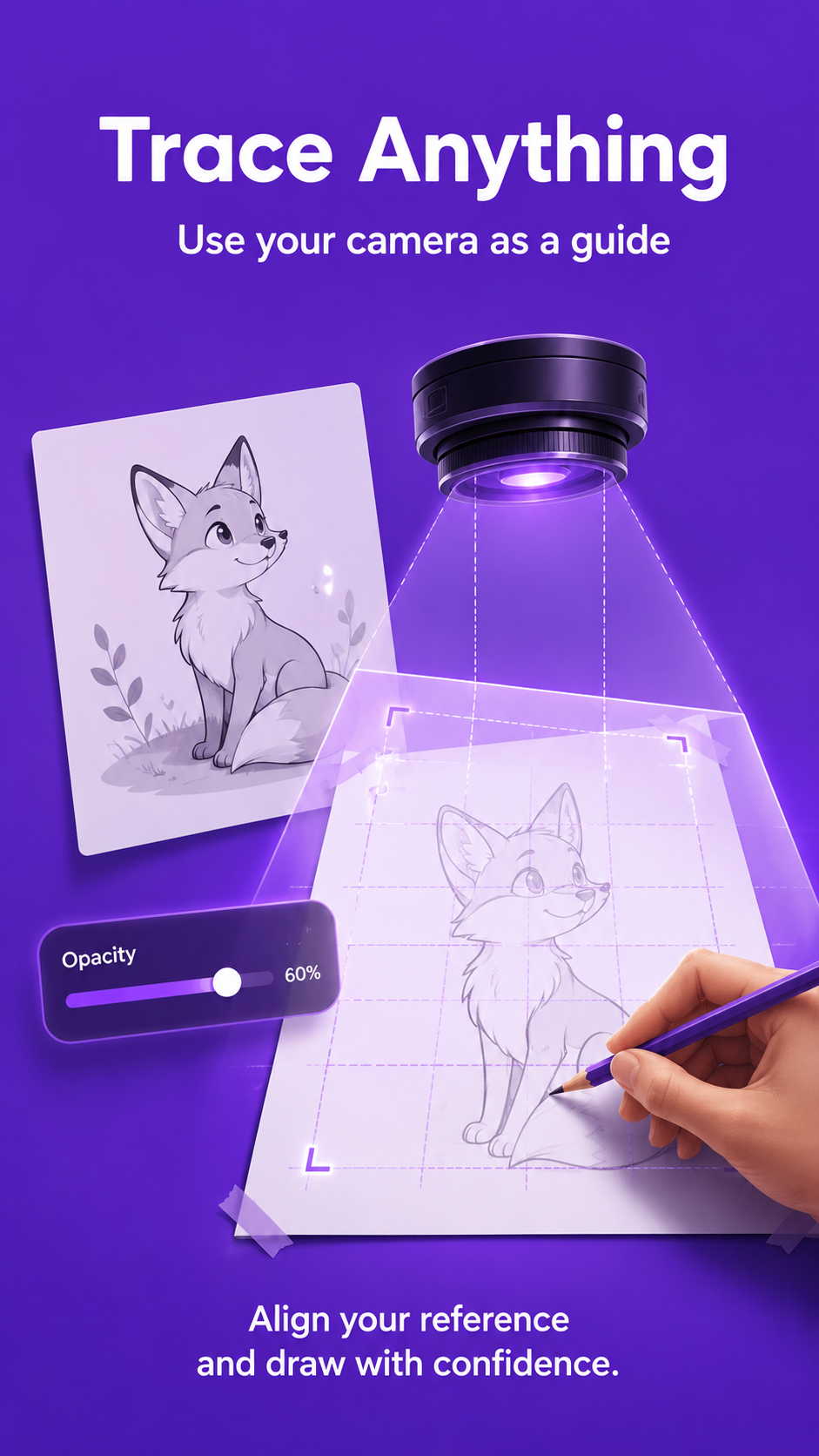
Place your phone above paper and use a transparent image overlay as a camera tracing guide. Pencilora combines camera lucida style tracing with an adjustable reference image, allowing you to follow visible lines while drawing. Resize and position the guide, change image opacity, rotate or flip the reference, and trace portraits, animals, flowers, vehicles, anime-inspired subjects, nature drawings, cartoons, and objects. A phone stand or tripod can help keep the camera steady.
PHOTO TO SKETCH
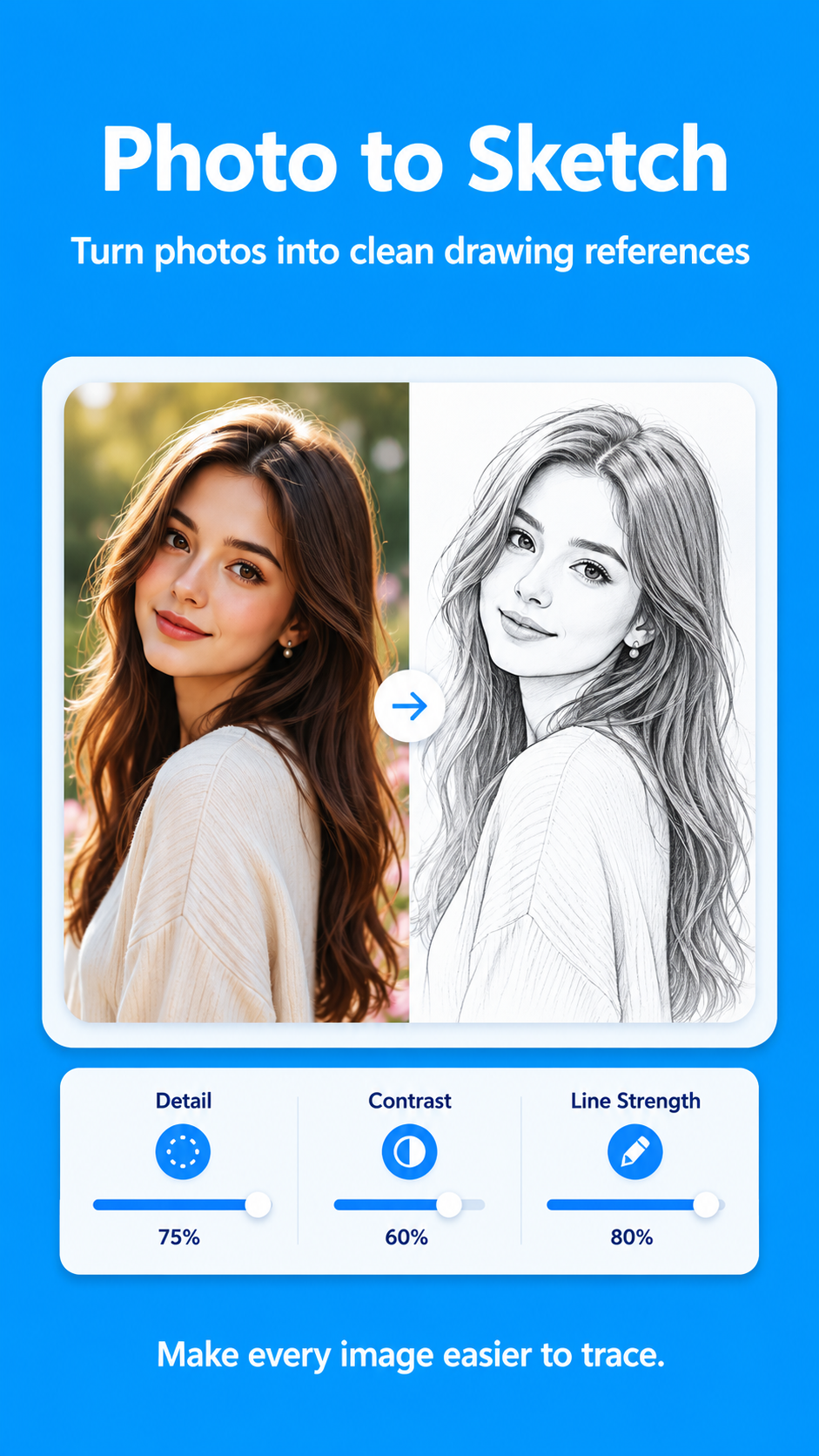
Import a photo from your device and turn it into a simplified sketch-style reference. Create a pencil drawing, outline drawing, black-and-white line art, or clean tracing image from a photo. Adjust brightness, contrast, sharpness, saturation, exposure, detail, and texture to make the subject easier to follow. Use it for portrait drawing, face sketches, pet drawings, object outlines, and landscape references.
DRAWING TEMPLATES FOR PRACTICE
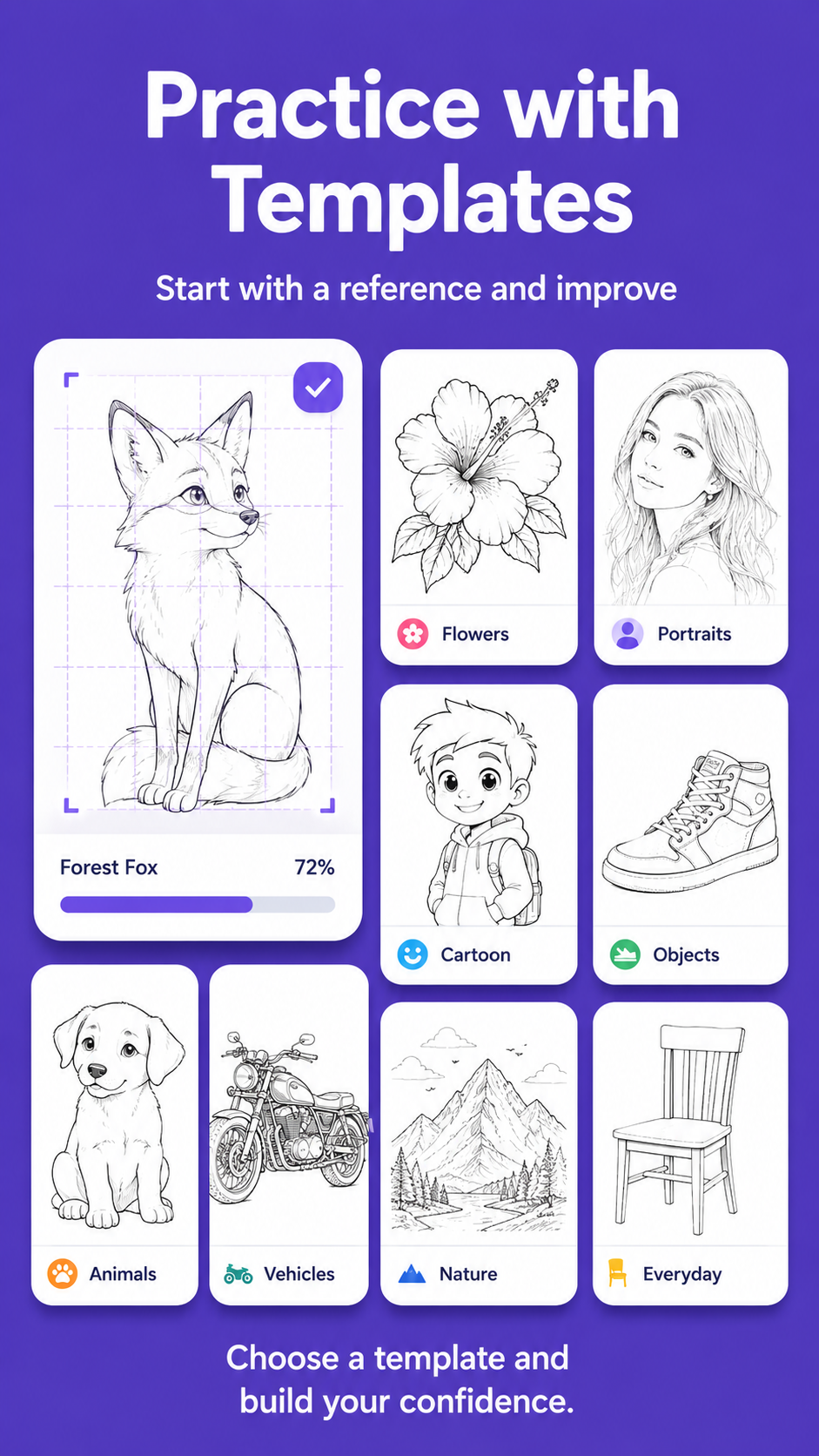
Explore drawing ideas and sketch references for beginners and hobby artists. Find templates for animals, birds, flowers, people, faces, cars, bikes, nature, anime-inspired art, cartoon characters, kids’ drawing ideas, simple shapes, mandala-style patterns, and trending designs. Preview a reference before opening it in camera trace mode, then use it for drawing practice, pencil shading, coloring, or freehand sketching.
CREATIVE DRAWING TOOLS
Use practical tools for digital sketching and coloring:
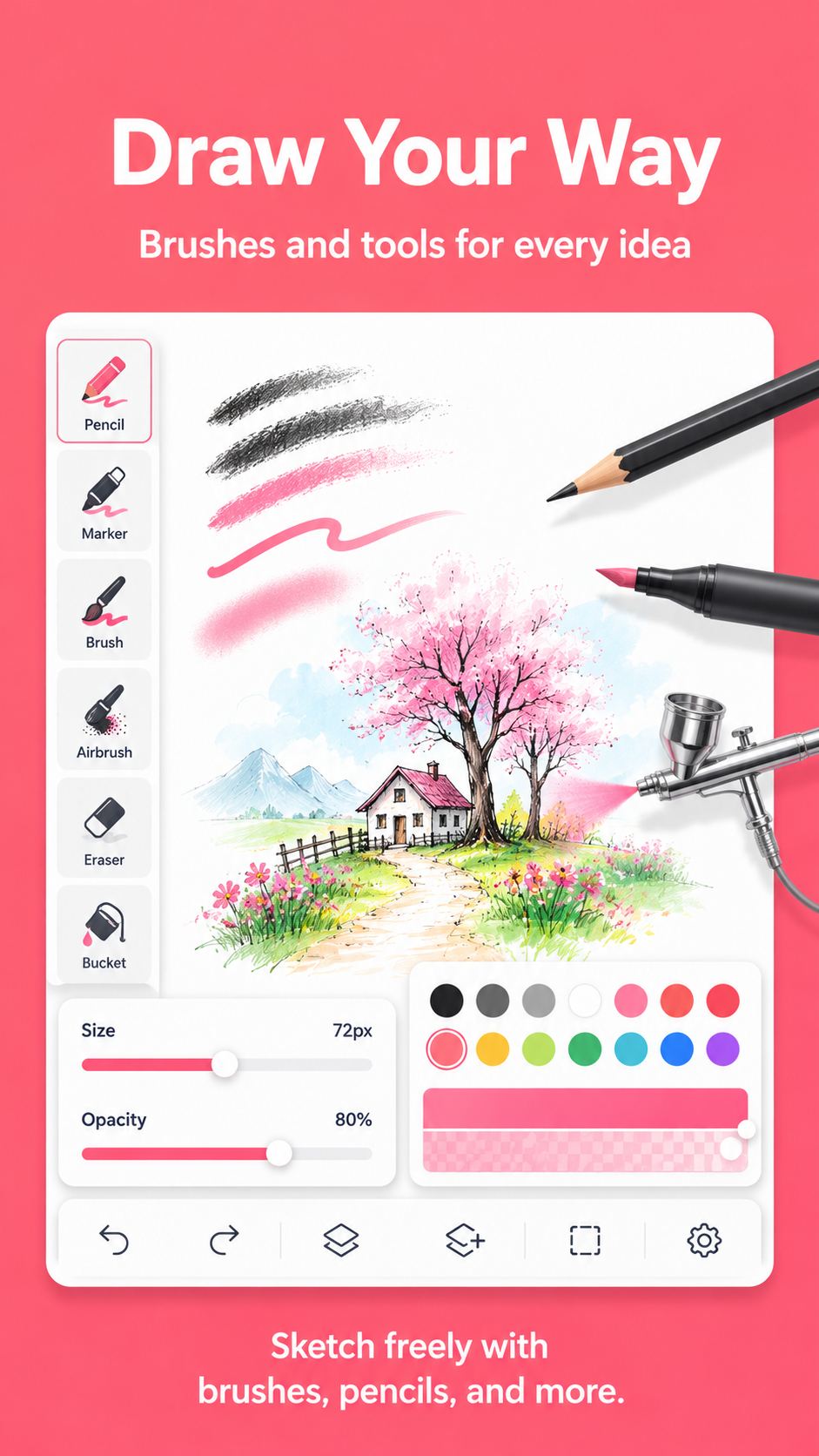
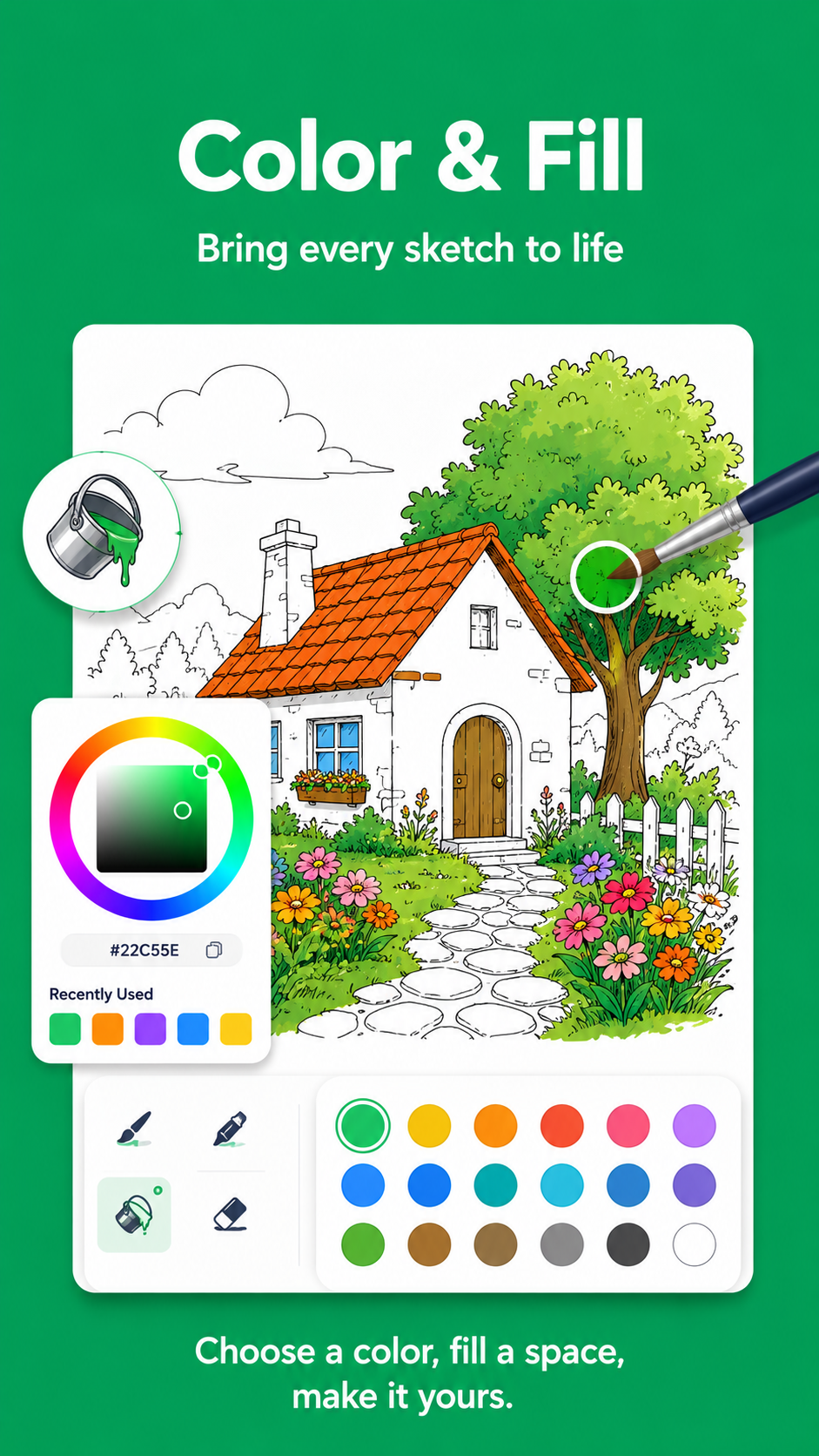
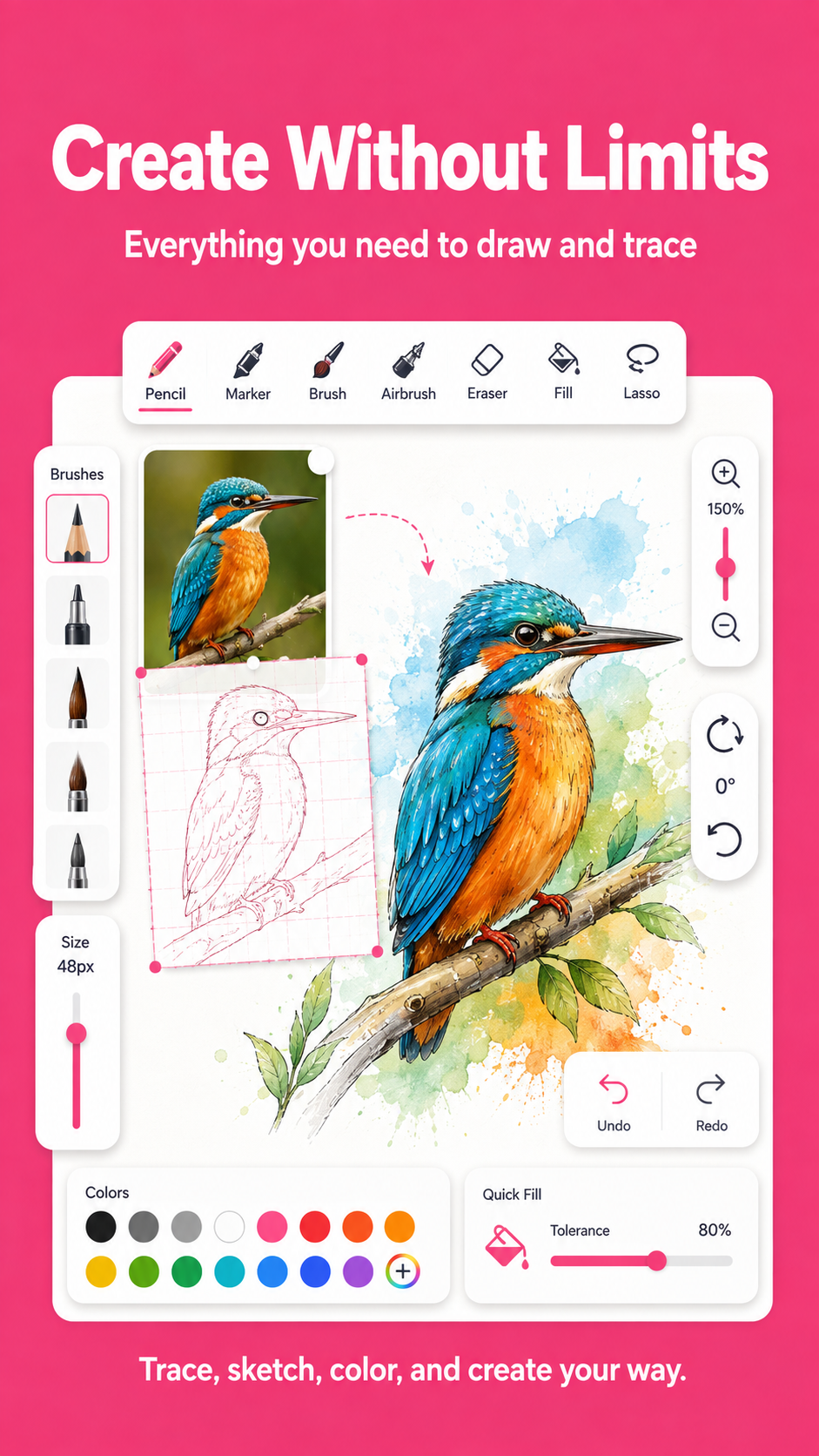
• Brush, pencil, pen, marker, airbrush, eraser, and texture tools
• Adjustable brush size, opacity, color, and stroke control
• Undo and redo for safe experimentation
• Fill enclosed areas with your selected color
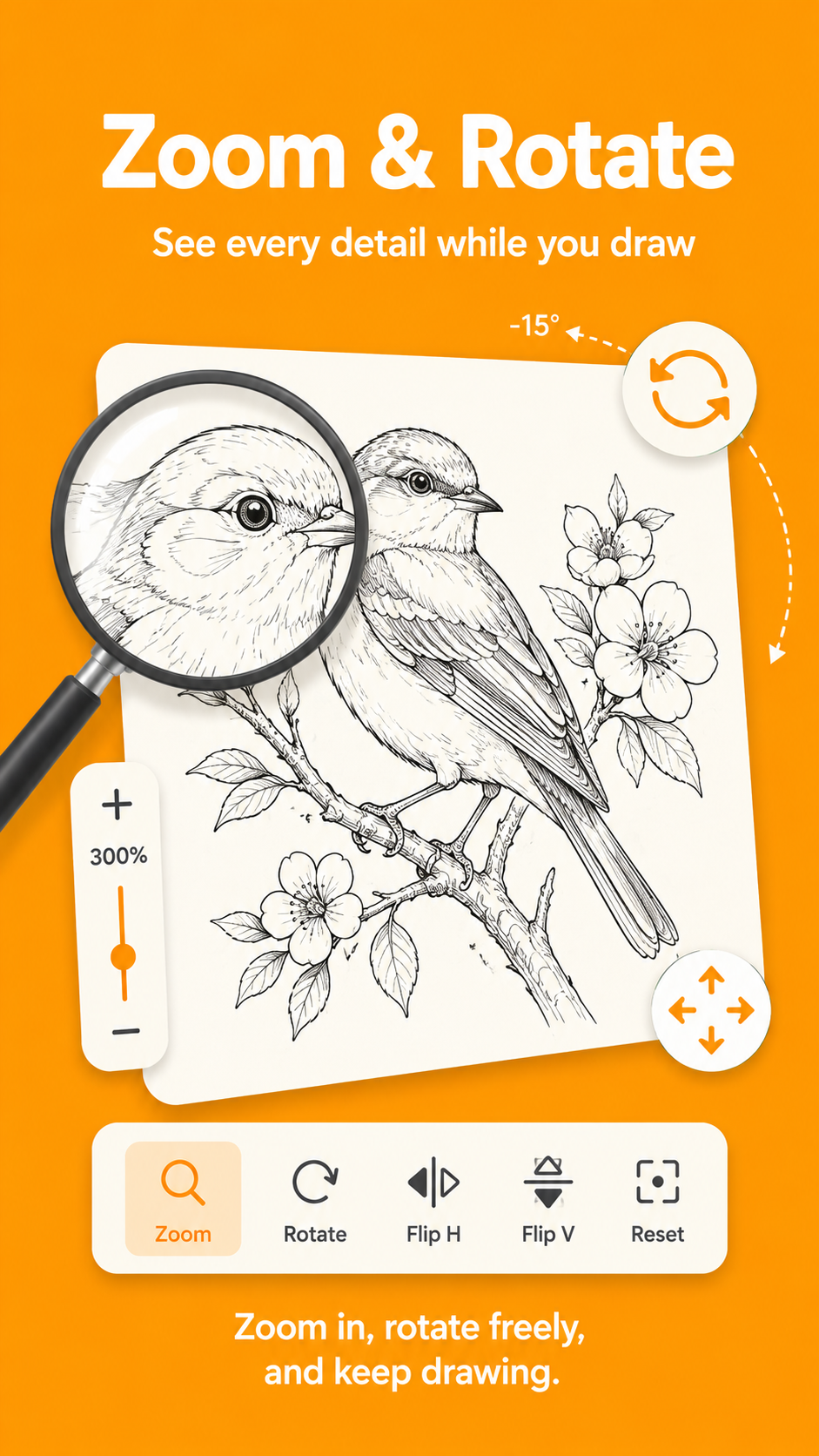
• Zoom and rotate the page for detailed drawing
• Switch cameras and control the flash
• Add an image from your device as a custom reference
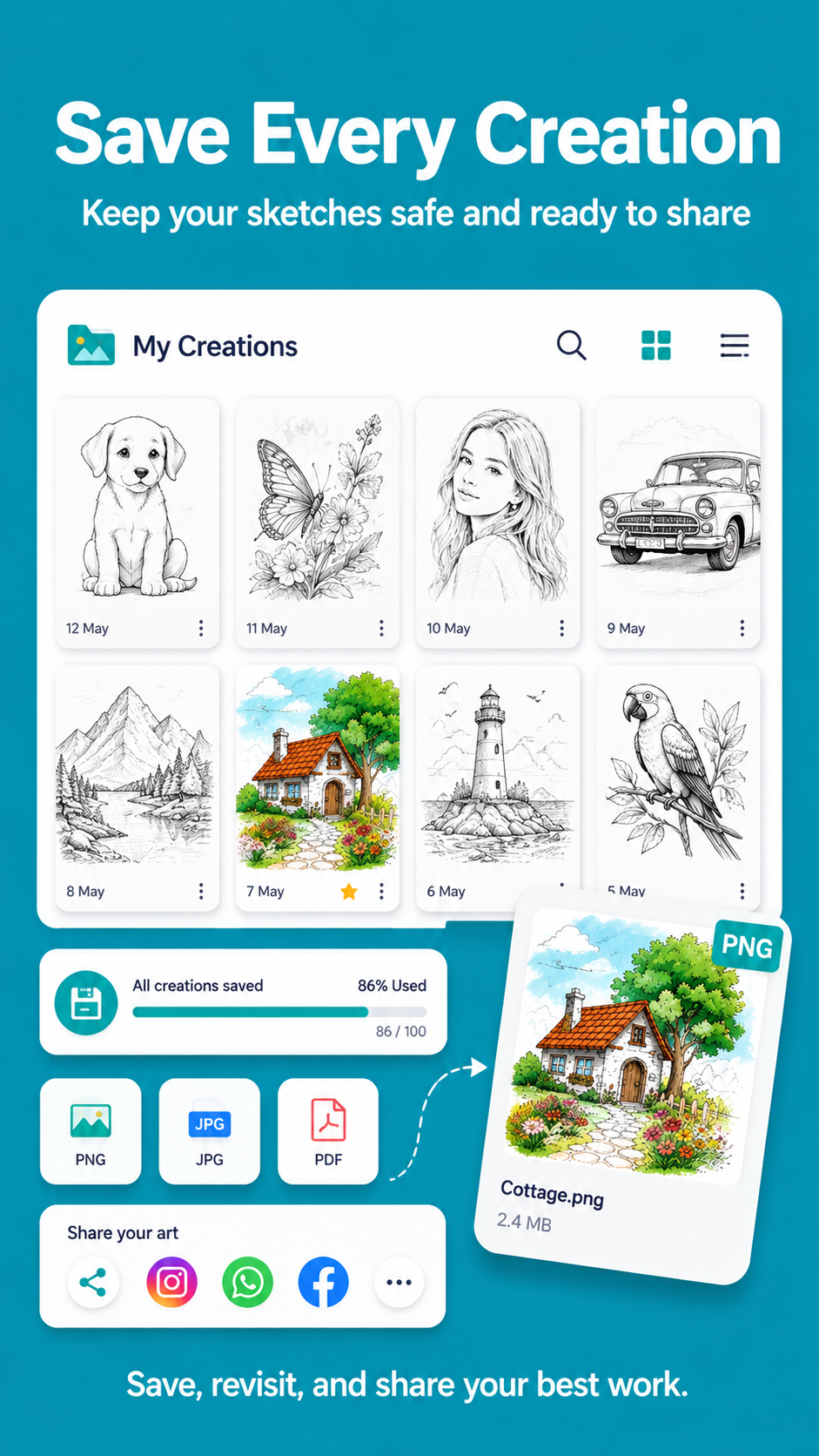
• Save and share the finished sketch
SKETCH, COLOR, AND CREATE
Start with a simple pencil sketch, refine the outline, add colors, fill sections, experiment with brush textures, or combine tracing with freehand drawing. Pencilora works as a camera tracing tool, pencil sketch app, outline maker, coloring workspace, drawing practice app, and creative reference board. Use it for art practice, school projects, hobby drawing, portrait outlines, coloring pages, creative ideas, and relaxing sketch sessions.
MADE FOR EVERYDAY DRAWING PRACTICE
Pencilora is built for beginners and experienced users who enjoy drawing on paper. Learn basic shapes, improve hand control, practice proportions, follow line art, study shading, and build confidence one line at a time. Keep favorite references and finished creations available for future sessions, and return to recent sketches whenever you want to continue.
SAFETY AND PRIVACY
Keep your phone secure while tracing, avoid placing it where it can fall, stay aware of your surroundings, and provide adult supervision when children use the app. Camera access is used to provide the live tracing view. Use imported images responsibly.
Start with a reference, follow the guide, and make your next pencil sketch, line drawing, coloring project, or traced artwork with Pencilora.
Screenshots
Features
Camera Trace
Place a transparent image guide over the live camera view and trace visible lines onto paper.
Photo to Sketch
Import your own photo and create a simplified sketch-style reference.
Drawing Templates
Browse templates for animals, people, cars, nature, anime-inspired subjects, kids' ideas and more.
Reference Controls
Resize, position, rotate, flip and adjust the opacity of your drawing reference.
Sketch Adjustments
Adjust brightness, contrast, sharpness, saturation and texture to make outlines easier to follow.
Camera and Flash Controls
Switch between cameras and control the flash while using camera trace mode.
Save and Share Artwork
Save your finished drawing projects and share your creative results.
Beginner Friendly
Designed for beginners, students, hobby artists and anyone learning to draw.
FAQ
What is Pencilora?
Pencilora is a drawing and camera-tracing app that helps you trace pictures onto paper using your phone camera.
How does camera tracing work?
Choose a template or add your own image, place your phone above the paper and use the transparent guide to follow the visible lines.
Can I use my own photo?
Yes. You can import a photo from your device and convert it into a sketch-style drawing reference.
Can I adjust the drawing guide?
Yes. You can resize, move, rotate, flip and change the opacity of the reference image.
Can I improve the sketch outline?
Yes. Brightness, contrast, sharpness, saturation and texture controls help make the outline easier to see.
Who can use Pencilora?
Pencilora is suitable for beginners, students, hobby artists and anyone who enjoys drawing on paper.
Does Pencilora include drawing templates?
Yes. It includes references for animals, people, cars, nature, anime-inspired subjects, kids' ideas and trending designs.
Can I save and share my artwork?
Yes. You can save your finished artwork and share your drawing results.
How can I keep my phone steady?
You can use a phone stand, tripod, glass support or a stable stack of books while tracing.